


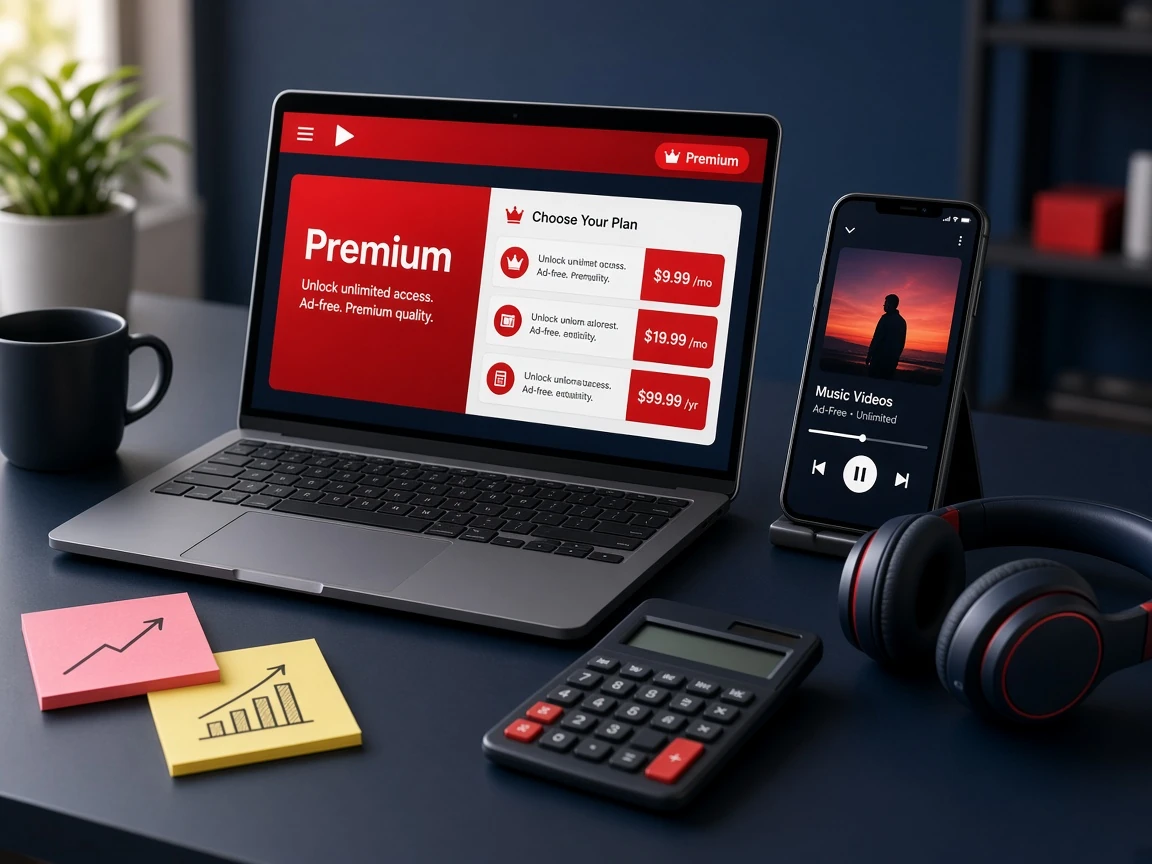
YouTube Premium is easy to sell: buyers already know what ad-free videos, background play and YouTube Music add to their day. This guide explains how to become a YouTube Premium reseller in 2026: how the Individual and Family packs on AccountBot.net are priced, how on-demand activation and custom validity change the way you price, what margin you can plan for and the exact steps from your first order to your first customer. Every price below was read from the live YouTube Premium reseller panel product page.
AccountBot.net is an independent reseller platform. It is not affiliated with, endorsed by or a partner of YouTube or Google. YouTube sets its own terms for Premium and Family plans, so read them before you design your offer.
What a YouTube Premium reseller does
A YouTube Premium reseller buys accounts in bulk at a wholesale price and sells them one by one to customers at a retail price the reseller chooses. On AccountBot.net you buy a pack of 100, 500 or 1,000 100% Genuine accounts in one plan type, Individual or Family. The accounts wait in your reseller panel until you activate them for a customer. If you are new to panels in general, read how a subscription reseller panel works first.
Your side of the business is the customer-facing part: finding buyers, setting prices, activating and delivering accounts, and answering questions. The panel handles stock, validity checks and replacements.
Who buys YouTube Premium from resellers
Knowing your buyer helps you pick the plan type and the channel. The YouTube Premium reseller panel is built for three kinds of seller:
- Agencies that bundle media perks into client packages, such as a marketing retainer that includes an ad-free YouTube account.
- Shops and SMM panel owners who already sell digital products and want to list subscriptions next to them.
- Solo sellers who want bulk pricing and flexible validity, and who sell through chat groups or social pages.
Whichever group you are in, start with the channel you already have. A seller with an existing shop can add YouTube Premium as a new line in a day. A solo seller usually does better with a short, clear price list posted where buyers already ask about subscriptions, plus fast delivery after payment.
Step 1: Choose Individual or Family
Both plan types come in the same three pack sizes. The price per account falls as the pack grows:
| Pack size | Individual | Family | Difference |
|---|---|---|---|
| 100 accounts | $299 ($2.99 each) | $499 ($4.99 each) | $200 |
| 500 accounts | $999 ($2.00 each) | $1,499 ($3.00 each) | $500 |
| 1,000 accounts | $1,499 ($1.50 each) | $1,999 ($2.00 each) | $500 |
Per-account figures are the pack price divided by the number of accounts, rounded to the cent.
- Individual has the lowest cost per account and the simplest pitch: one person, one account. Start here if you are unsure what your buyers want.
- Family costs more per account but suits households, and buyers usually expect to pay more for it. Stock it once customers ask, and check YouTube’s own rules on who can share a Family plan.
Each order holds one pack, so you can start with one plan type and add the other later.
Step 2: Understand activation and custom validity
This is what makes YouTube Premium reselling different from most other packs, and it changes how you price.
The clock starts at activation, not at purchase
Each account carries a yearly activation, but its validity only starts when you activate it for a customer. Until then it waits in your panel. That means you can hold stock without it ageing on the shelf, which matters most if you buy a 500 or 1,000 pack.
Sell the validity your market wants
The panel lets you offer monthly, quarterly or another custom validity, so your price list can match what local buyers ask for. Some buyers prefer a low monthly price, others a single yearly payment.
Pause without losing time
If a subscriber stops for a while, you can pause the account. The remaining validity stays on it, ready to resume or to move to another customer.
Step 3: Work out your YouTube Premium reseller margin
Your margin is your retail price minus your cost per account. The table below uses example retail prices only. They are not AccountBot.net prices and not a forecast. Set your own prices based on your market.
| Plan (100 pack) | Your cost per account | Example yearly retail price | Example margin per account | Sales to cover the pack |
|---|---|---|---|---|
| Individual | $2.99 | $15.00 (example) | $12.01 | 20 |
| Family | $4.99 | $25.00 (example) | $20.01 | 20 |
“Sales to cover the pack” is the pack price divided by the example retail price, rounded up. On a 1,000 pack your cost drops to $1.50 (Individual) or $2.00 (Family) per account, but you also need far more buyers before the pack pays for itself.
Costs the table leaves out
- Payment processing fees on your side.
- Advertising or promotion.
- The time you spend on delivery and customer questions.
- Refunds you choose to give your own customers.
Step 4: Know the replacement and refund terms
The panel keeps checking validity and replaces accounts that stop working, so you are not auditing logins by hand. The replacement warranty lasts until the selected plan’s validity ends. Tell your customers how you will handle a problem, and how fast.
For your own purchases, AccountBot.net gives a full refund within 30 days if, and only if, the service is non-functional. Refunds are processed within 48 hours at most, and crypto refunds go back to the same address. Read the full Returns and Refunds policy before you write your customer terms.
Step 5: Place your first order and activate your first account
- Open the YouTube Premium Reseller product page and choose Individual or Family.
- Choose a pack size of 100, 500 or 1,000 accounts and check out. Each order holds one pack.
- Open the reseller panel. Your accounts are waiting there, not yet activated.
- When a customer pays, activate one account and set the validity you sold.
- Deliver the account details and keep a record of who has which account and when it ends.
Step 6: Write simple customer terms
Before your first sale, write a short set of terms for your buyers. Cover what plan they get, how long it lasts, what happens if they pause, how you handle an account that stops working and your own refund rules. Clear terms prevent most support arguments.
Common beginner mistakes
- Buying a 1,000 pack before the 100 pack sells steadily.
- Pricing Family the same as Individual and losing most of the margin.
- Activating accounts before customers pay, which starts the clock on stock nobody has bought.
- Promising terms your supplier does not offer, such as refunds for change of mind.
- Not checking YouTube’s own plan rules before advertising Family plans.
YouTube Premium packs or reseller credits?
If you only want YouTube Premium, the pack is the simplest option. If you want to sell several services from one balance, Reseller Credit lists YouTube Premium among its services at 0.1 credit for 1 month, 0.25 for 3 months, 0.5 for 6 months and 1 credit for 1 year, and its credits never expire. If you want a branded shop, look at the Reseller Kit. You can compare every option in the reseller plans category, and if you also sell music subscriptions, read How to Become a Spotify Reseller.
Frequently asked questions
How do I become a YouTube Premium reseller?
Choose Individual or Family, buy a pack of 100, 500 or 1,000 accounts, then activate accounts from the reseller panel as customers pay and set the validity you sold.
How much does a YouTube Premium reseller pack cost?
Individual packs cost $299, $999 and $1,499 for 100, 500 and 1,000 accounts. Family packs cost $499, $1,499 and $1,999.
Should I resell Individual or Family accounts?
Individual is cheaper per account and simpler to sell, so most sellers start there. Add Family once buyers ask for it, and price it higher.
When does an account’s validity start?
When you activate it for a customer, not when you buy the pack. Until then it waits in your panel.
Are the accounts genuine?
Yes. The YouTube Premium accounts supplied through the AccountBot.net reseller panel are 100% Genuine. YouTube sets its own terms for Premium and Family plans, so check them before you sell.
How long is the warranty, and what is the refund policy?
Replacements are covered until the selected plan’s validity ends. On refunds, AccountBot.net gives a full refund within 30 days if, and only if, the service is non-functional. Refunds are processed within 48 hours at most, crypto refunds go back to the same address, and support is available 24/7 at accobotnet@gmail.com.
Is AccountBot.net affiliated with YouTube or Google?
No. AccountBot.net is an independent reseller platform and is not affiliated with, endorsed by or a partner of YouTube or Google.
Leave a comment