




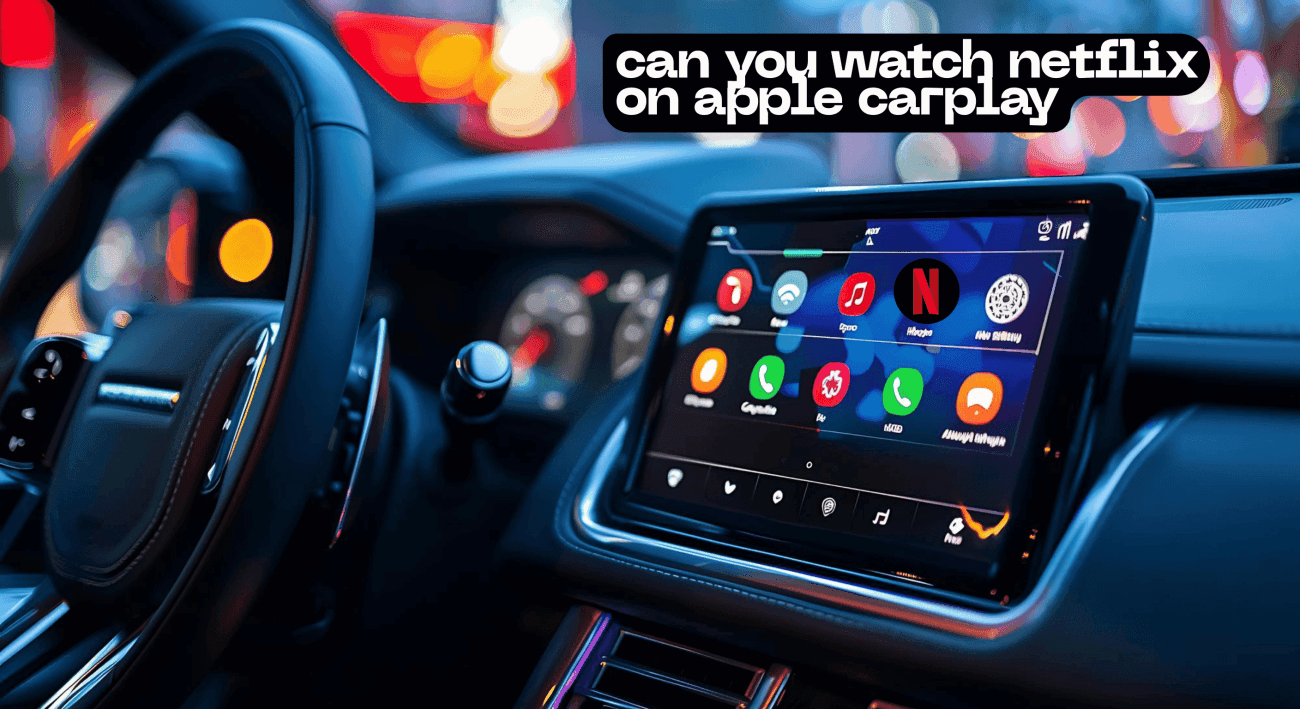

In today’s digitally driven world, the desire to stay connected and entertained extends to our time spent on the road. Apple CarPlay has revolutionized in-car entertainment by seamlessly integrating your iPhone with your car’s infotainment system. However, the question on many minds is: can you watch Netflix on Apple CarPlay? This article delves into the possibilities, limitations, and alternative solutions for enjoying Netflix and similar streaming apps while on the go.
Introduction to Netflix on CarPlay
Overview of Netflix and CarPlay
Netflix, the world-renowned video streaming service, offers a vast library of movies and shows that captivate audiences globally. Apple CarPlay, on the other hand, is a system designed to mirror your iPhone’s interface on your car’s screen, providing hands-free access to apps like navigation, music, and calls. The allure of watching Netflix on Apple CarPlay stems from the desire to enhance in-car entertainment, especially during long drives or while waiting in the car. Integrating Netflix on CarPlay would seemingly transform the car’s screen into a personal theater, allowing passengers to stream Netflix and enjoy their favorite shows.
Benefits of Watching Netflix in Your Car
The benefits of being able to stream Netflix in your car are numerous. For passengers, it offers a way to alleviate boredom during long journeys, turning travel time into an opportunity to catch up on shows. For those waiting in the car, such as during errands or appointments, having access to Netflix can make the wait more enjoyable. Furthermore, being able to watch Netflix on Apple CarPlay could be a significant selling point for car manufacturers, attracting tech-savvy consumers who value in-car entertainment. Imagine turning your car’s infotainment system into a personal cinema, enhancing the overall driving and passenger experience with seamless playback of your favorite shows.
Potential Limitations and Restrictions
Despite the appeal of watching Netflix on Apple CarPlay, significant limitations and restrictions exist. Apple CarPlay is designed with safety in mind, and video streaming, particularly Netflix, while driving, is heavily restricted to prevent driver distraction. The official Apple CarPlay system does not natively support video playback from streaming services like Netflix. While there are workarounds and third-party apps that claim to enable video streaming, these often involve jailbreaking your iPhone or using unofficial CarPlay adapter solutions like a CarPlay AI Box. Jailbreaking, in particular, poses security risks and voids the warranty of your iOS device. Therefore, while the idea of watching Netflix on your Apple CarPlay system is enticing, it is fraught with challenges and potential drawbacks.
How to Stream Netflix on Apple CarPlay
Using a CarPlay Adapter
One potential solution to watch Netflix on Apple CarPlay involves using a CarPlay adapter, specifically a CarPlay AI Box. These third-party devices act as a bridge between your car’s infotainment system and your iPhone or Android phone, enabling video streaming capabilities beyond what Apple CarPlay natively supports. A CarPlay AI Box typically connects to your car via USB and utilizes wireless CarPlay or Android Auto to mirror your phone’s screen on the car’s screen. This allows you to stream Netflix and other streaming apps without jailbreaking your device. However, it’s crucial to research and choose a reputable CarPlay adapter to ensure compatibility and reliability, since not all adapters may perform as advertised. It’s important to consider the risks associated with third-party devices before installing them.
Step-by-Step Guide to Play Netflix on CarPlay
To play Netflix on CarPlay using an adapter, begin by connecting the CarPlay AI Box to your car’s USB port. Then, pair your iPhone to the adapter via Bluetooth and Wi-Fi, enabling wireless Apple CarPlay functionality. Once connected, the adapter should mirror your phone’s screen on the car’s infotainment system. Navigate to the Netflix app on your phone and begin playback of your desired movies or shows. The video should then stream seamlessly to your car’s screen, allowing you to watch Netflix on CarPlay. However, it is critical to remember that watching Netflix while driving is dangerous and illegal in many jurisdictions; thus, always prioritize safety and adhere to local laws.
Connecting Your iPhone for Streaming
Connecting your iPhone for streaming Netflix on your Apple CarPlay typically involves utilizing a CarPlay adapter or exploring screen mirroring options. For a direct connection without additional hardware, you may explore screen mirroring features available on some aftermarket CarPlay units, enabling you to project your iPhone’s display onto the car’s infotainment system. Alternatively, some users attempt to jailbreak their iPhones to bypass Apple CarPlay restrictions and install third-party apps that enable video playback. However, jailbreaking poses significant security risks and voids your device’s warranty, so it is generally not recommended. Regardless of the method, ensuring a stable and secure connection is crucial for uninterrupted streaming of your favorite shows.
Alternative Methods for Watching Netflix
Using a CarPlay AI Box
A CarPlay AI Box presents an intriguing alternative for those determined to watch Netflix on Apple CarPlay. This ingenious third-party adapter essentially transforms your car’s infotainment system into an Android-powered interface, enabling you to stream Netflix and other streaming apps directly on your car’s screen. The CarPlay AI Box connects to your car’s infotainment system via USB and establishes a wireless CarPlay connection with your iPhone or Android device. This connection allows you to access the Android operating system on your car’s screen, providing access to the Google Play Store, where you can download the Netflix app and stream your favorite shows.
Jailbreaking Your Device for Access
Jailbreaking your iPhone represents another, albeit riskier, method for accessing Netflix on CarPlay. Jailbreaking involves removing the software restrictions imposed by iOS, granting you greater control over your device and allowing you to install third-party apps not available on the Apple App Store. Once jailbroken, you can install tweaks or apps that bypass Apple CarPlay limitations and enable video playback, allowing you to stream Netflix and other streaming services directly on your car’s screen. However, jailbreaking poses significant security risks, voids your iPhone’s warranty, and can render your device unstable. Furthermore, some jailbreak tweaks may not function correctly with newer versions of iOS or Apple CarPlay, making this method unreliable and potentially detrimental to your device. Therefore, proceeding with caution and understanding the inherent risks is crucial before attempting to jailbreak your iPhone to watch Netflix on Apple CarPlay.
Comparing Netflix and YouTube Streaming Options
When considering video streaming options for your in-car entertainment, it’s essential to compare the features and limitations of both Netflix and YouTube. While Apple CarPlay does not natively support Netflix, there are alternative methods to stream Netflix on your car’s screen, such as using a CarPlay adapter or jailbreaking your device. YouTube, on the other hand, is more readily accessible through certain CarPlay workarounds or via screen mirroring. For instance, you might be able to stream YouTube videos through the car’s web browser if the infotainment system allows it, offering a more direct approach compared to Netflix. However, both Netflix and YouTube raise concerns about driver distraction. Watching Netflix while driving or engaging with YouTube content can significantly impair your focus and reaction time, increasing the risk of accidents. Therefore, prioritizing safety and restricting video playback to passengers is crucial when using these streaming apps in your car.
Best Practices for In-Car Entertainment
Safety Tips While Streaming
When it comes to in-car entertainment, safety should always be the top priority. While the allure of watching Netflix on Apple CarPlay may be strong, it’s crucial to exercise caution and adhere to safe driving practices. Avoid watching Netflix while driving, as it significantly increases the risk of accidents. Instead, limit video streaming to passengers only. Ensure that your car’s screen is positioned in a way that does not obstruct the driver’s view of the road. Additionally, consider using audio-only content such as podcasts or music, which can provide entertainment without diverting the driver’s attention. Remember, responsible use of apps like Netflix enhances the journey without compromising safety on the road.
Recommended Netflix Shows and Movies for Road Trips
For passengers looking to stream Netflix on long road trips, selecting appropriate content is key. Consider downloading several episodes of shows or movies beforehand to avoid buffering issues in areas with poor connectivity. Opt for lighthearted, engaging content that doesn’t require intense focus or concentration. Comedies, documentaries, or animated movies can be excellent choices for in-car entertainment. Curate a playlist of your favorite shows to ensure there is something for everyone in the car. Remember to bring a portable charger or utilize your car’s USB ports to keep your iPhone or Android devices powered up throughout the journey. With a little planning, you can transform a monotonous road trip into an enjoyable binge-watching session.
Future of Streaming on Apple CarPlay
The future of streaming apps like Netflix on Apple CarPlay remains uncertain, but several potential developments could shape its trajectory. As technology evolves, we may see Apple CarPlay become more open to video playback, possibly with built-in safety features to prevent driver distraction. Advancements in wireless CarPlay technology could make connecting your iPhone or Android device for streaming even more seamless. Car manufacturers may also partner with streaming services to integrate their apps directly into car’s infotainment systems, offering a more user-friendly experience. Additionally, the rise of 5G connectivity could provide faster and more reliable streaming speeds, enhancing the overall quality of in-car entertainment. While jailbreaking to stream Netflix might be tempting, future solutions will likely prioritize both entertainment and safety, offering a more secure and convenient experience.


Leave a comment